Most coding course pages show you a syllabus.
A list of module names, maybe a few bullet points, a duration in weeks. It tells you what the course covers. It tells you nothing about what your child will actually experience.
This article is different. This is a parent’s preview pass. Week by week, project by project, the specific things your child does, the specific skills those activities build, and what they bring home at the end of each stage.
By the time you finish reading, you will not be wondering what a Scratch coding course looks like. You will have watched your child go through one.
Week 1 and 2: Designing Sprites and Making Things Move
Your child opens Scratch for the first time. The screen has two main areas: a blank stage on the right where projects run, and a palette of coloured instruction blocks on the left.
The first task: choose a character, called a sprite in Scratch, and make it move across the screen when you press a key.
This sounds simple. It produces the most important moment of the entire course. Your child drags a block that says “move 10 steps” and attaches it to a block that says “when right arrow key pressed.” They press the right arrow. The character moves.
Not because someone showed them a working example and they pressed play. Because they connected two blocks and the connection produced a result. The character moved because of something they did. This moment of genuine authorship, small as it is, is the foundation on which everything that follows is built.
By the end of Week 2, your child has a character that moves in all four directions, changes its costume when it moves to look like it is walking, makes a sound when it reaches the edge of the screen, and stops moving when it hits a designated colour. Four separate programming concepts, all built into one moving character, all figured out by your child with facilitation rather than instruction.
What they take home: a moving character project they built, and the beginning of understanding that a complex result is the sum of many small, connected instructions.
Week 3 and 4: Building the First Maze
The maze project is the first time most children discover that coding is harder than it looks. And that harder than it looks is what makes it satisfying.
Your child designs a maze on the Scratch stage. Coloured walls, a start point, an end point. They program their character to navigate the maze using keyboard controls. They run the program and discover immediately that the character walks straight through the walls. The walls are decoration. The character has not been told they exist.
This is the problem your child has to solve.
They need to program the character to detect when it is touching the wall colour and respond appropriately. They find the conditional block: “if touching colour, then…” They set the condition. They test it. The character now freezes the moment it touches any wall, including the start position.
Wrong. But interestingly wrong. The condition is too broad. The child has to refine their logic: not “stop when touching wall” but “return to start when touching wall.” The distinction requires thinking about what the program should do differently in each situation.
By the end of Week 4, the maze works. The character navigates correctly, returns to start when it hits a wall, and produces a congratulations message when it reaches the end. Your child has built a working game with collision detection, conditional logic, and a win condition.
What they take home: a playable maze game and the experience of having solved a logic problem entirely through their own reasoning.
Week 5 and 6: The Race Project — Variables and Scorekeeping
The race project introduces the concept that is at the heart of every interactive program ever written: variables. A container that holds information and can change while the program runs.
Your child programs a race between two characters. A finish line. A winner. To determine the winner, the program needs to remember which character crossed the finish line first and display that information.
Creating a variable called “winner,” setting it to empty at the start, and programming it to fill with the winning character’s name when that character touches the finish line: this is the technical challenge. But the more interesting challenge arrives when both characters finish at the same time and both are declared winners simultaneously.
Your child has to think about sequence. Once a winner is declared, the other character’s win condition should no longer be checked. They restructure the logic to add this condition. The race now produces exactly one winner.
By the end of Week 6, your child has built a race with two programmable characters, a variable-based score system, and a working winner declaration. They have used variables, conditionals, and sequencing simultaneously in a single project.
What they take home: a working race game and the understanding that variables are containers for information that programs need to remember.
Week 7 and 8: The Spooky Forest Maze — Moving Obstacles and Design Thinking
The Spooky Forest Maze advances significantly beyond the Week 3 maze. The obstacles move. The character has to avoid not just static walls but programmed enemies with movement patterns the child designs.
Your child programs both the character and the enemies. The enemies patrol set paths in loops. The child designs these paths to make the maze challenging but completable. For the first time, they are thinking from the perspective of the player rather than the programmer. What feels fair? What feels impossible? Where is the line?
When the maze is shared with other children in the class and played, your child watches someone else navigate their design. They see what is harder than expected and what is easier. They receive design feedback that is not opinion but observable behaviour.
By the end of Week 8, your child has built a maze with moving enemies, designed and programmed enemy patrol patterns, and revised their design based on observing how it was experienced by someone else. They have done game design, programming, and user-centred iteration in a single project.
What they take home: a significantly more sophisticated game than Week 3, and the beginning of the designer’s mindset: building things for someone else to experience.
Week 9 and 10: The Interactive Story — Narrative, Dialogue, and Branching Paths
The storytelling project is the most open-ended in the curriculum. The brief: create an interactive story where the player makes choices that affect the outcome.
Your child has to create characters, write dialogue, program branching narrative paths based on player choices, and build a story with a beginning, middle, and end. Every element of a written story must be built into the program. Character development happens through dialogue they write. Plot progression happens through the conditional branches they program. The creative and the technical are inseparable.
By the end of Week 10, your child has an interactive story with at least two branching paths, multiple scenes, and dialogue they wrote and programmed. Some children produce stories of surprising narrative sophistication. Others produce technically elegant stories with simpler narratives. Both are completely valid outcomes. The project reveals what the child’s strengths are, which is as valuable as the project itself.
What they take home: a complete interactive story that runs, and the experience of having driven a creative project from concept to completion.
What the Whole Journey Produces
A child who has gone through this curriculum has not just learned Scratch. They have shipped six working projects of increasing sophistication. Each one built through their own decisions, debugging, and creative choices. Each one demonstrating a specific set of programming concepts and cognitive skills.
More importantly, they have practiced staying with hard problems sixteen times across ten weeks. They have practiced completing things they started six times. They have practiced showing their work to others and receiving design feedback multiple times.
These are not coding skills. They are life skills that the coding curriculum produced as a natural consequence of the way it is structured.
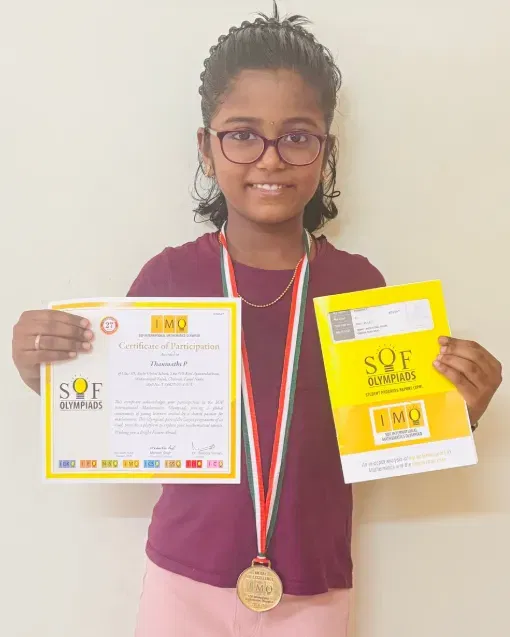
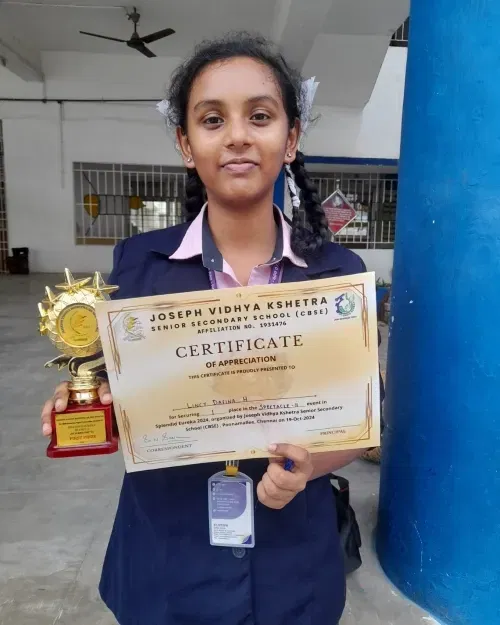
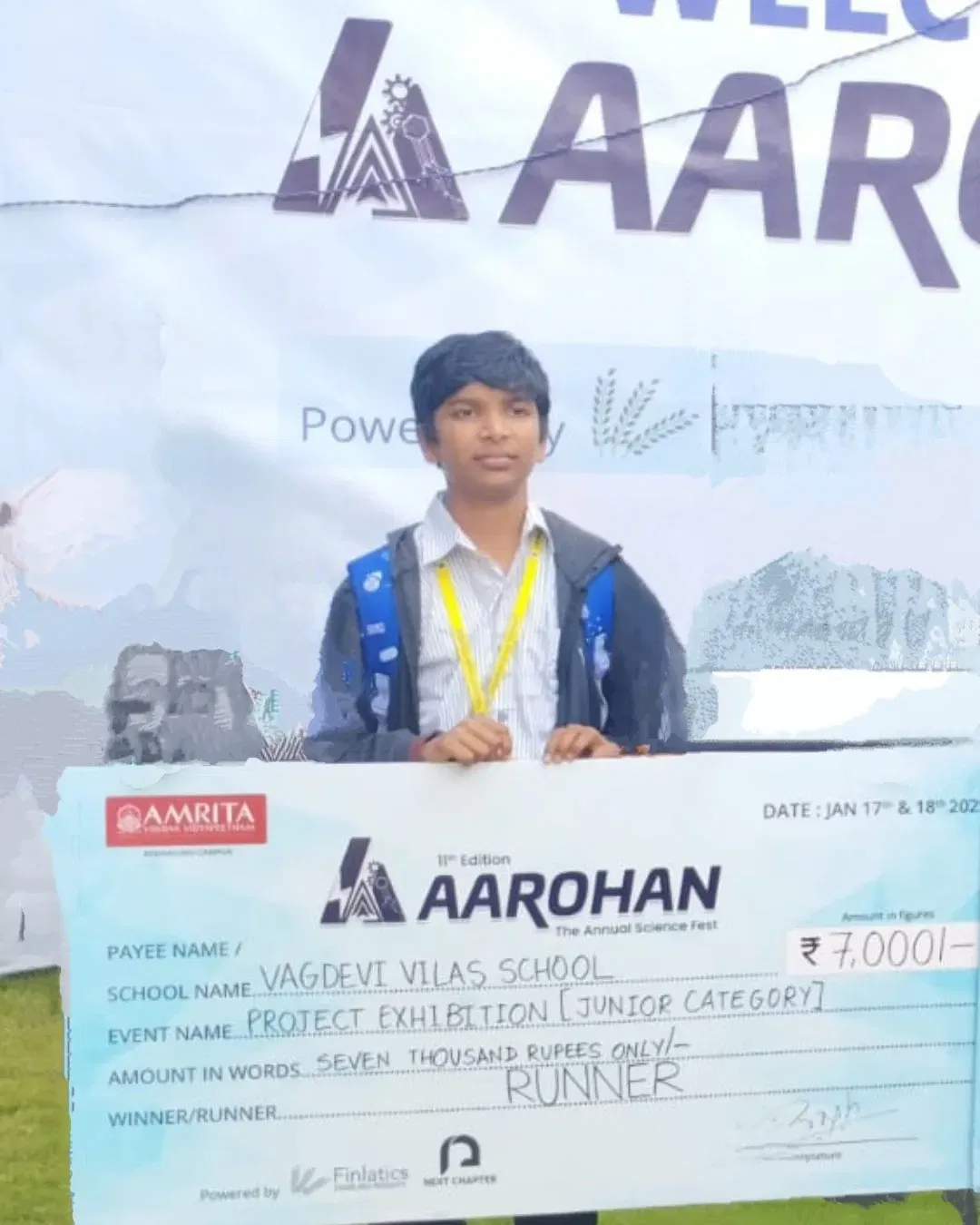
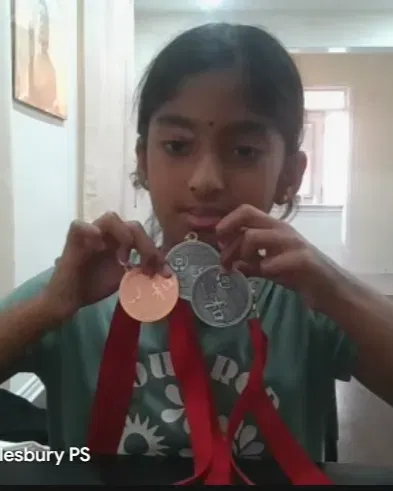
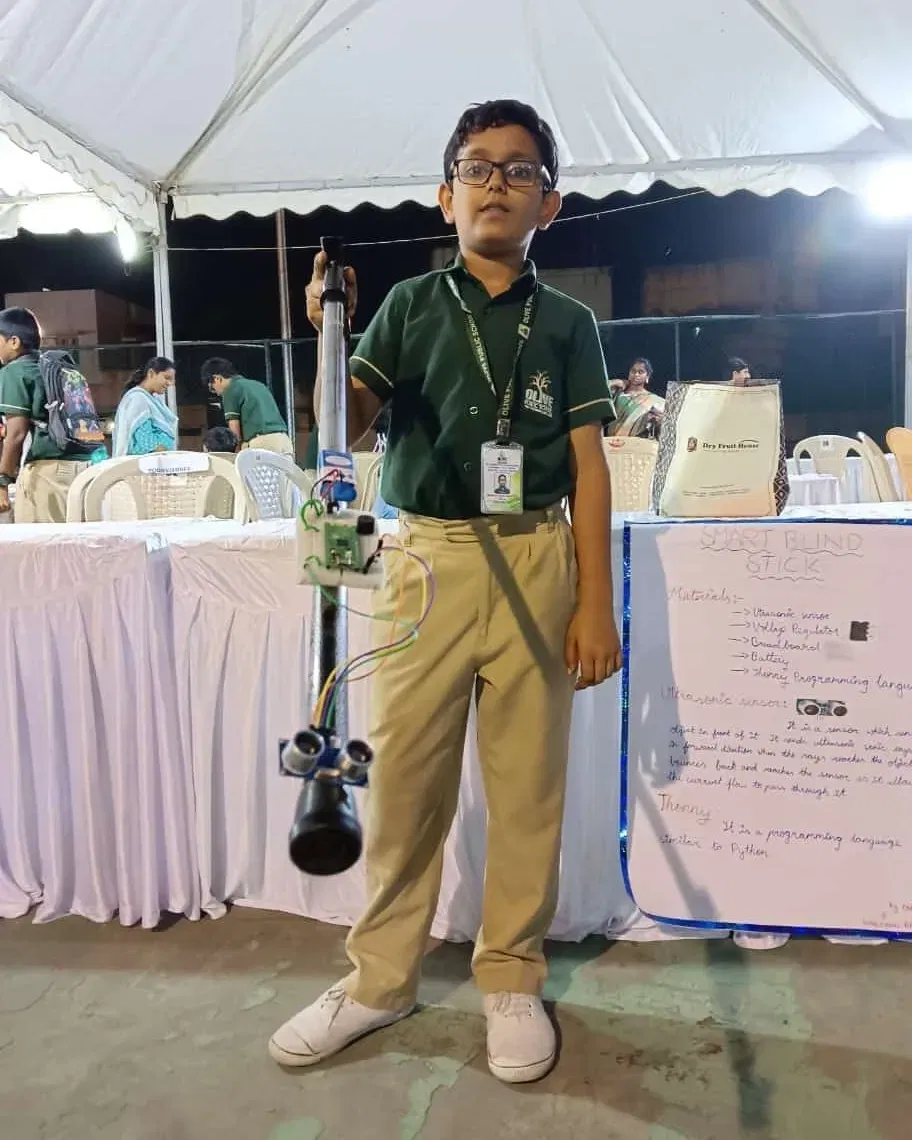
Navajith, a student at Chitti Future School, went through this curriculum. Not as a child who was particularly interested in technology. As a curious child who liked to figure things out and had not yet found the right environment to do it in.
Chitti gave him that environment. Week by week. Project by project. He went on to win 1st place at the Science Expo, drawing on the systematic thinking that ten weeks of Scratch projects had built in him without anyone calling it that.
His parents did not see the Science Expo coming. They just saw a child who had finally found something genuinely worth his attention.